

Optimizing Your WordPress Site for SEO Success
As a WordPress site owner, you're likely aware of the importance of search engine optimization (SEO) in driving traffic and increasing online visibility. With millions of websites competing for attention, it's crucial to ensure your site is optimized for search engines to crawl, index, and rank effectively. In this article, we'll explore the key strategies and best practices for optimizing your WordPress site for SEO success.
Understanding the Basics of WordPress SEO
Before diving into advanced optimization techniques, it's essential to understand the basics of WordPress SEO. By default, WordPress is designed to be search engine friendly, with features like clean permalink structures and automatic meta tags. However, there are several key areas to focus on to improve your site's SEO:
* Keyword research: Identify relevant keywords and phrases your target audience uses to search for content like yours. * On-page optimization: Ensure each page and post is optimized with relevant keywords, meta tags, and header tags. * Content quality: Create high-quality, engaging, and informative content that provides value to users.
The Importance of Technical SEO in WordPress
Technical SEO plays a critical role in ensuring your WordPress site is crawlable, indexable, and ranks well in search engines. Technical SEO involves optimizing your site's underlying structure and technical elements to improve search engine crawling and indexing. Some key technical SEO areas to focus on in WordPress include:
* Site speed: Ensure your site loads quickly (less than 3 seconds) to improve user experience and search engine rankings. * Mobile-friendliness: Ensure your site is responsive and provides a good user experience on mobile devices. * SSL encryption: Install an SSL certificate to secure your site and protect user data.
Optimizing Your WordPress Site's Content
High-quality content is essential for SEO success in WordPress. When creating content, focus on the following:
* Keyword research: Use tools like Google Keyword Planner or Ahrefs to identify relevant keywords and phrases. * Content length: Aim for content that's at least 500 words, but ideally 1,000-2,000 words. * Content format: Use a mix of content formats, such as blog posts, videos, and infographics, to engage users.
The Role of Plugins in WordPress SEO
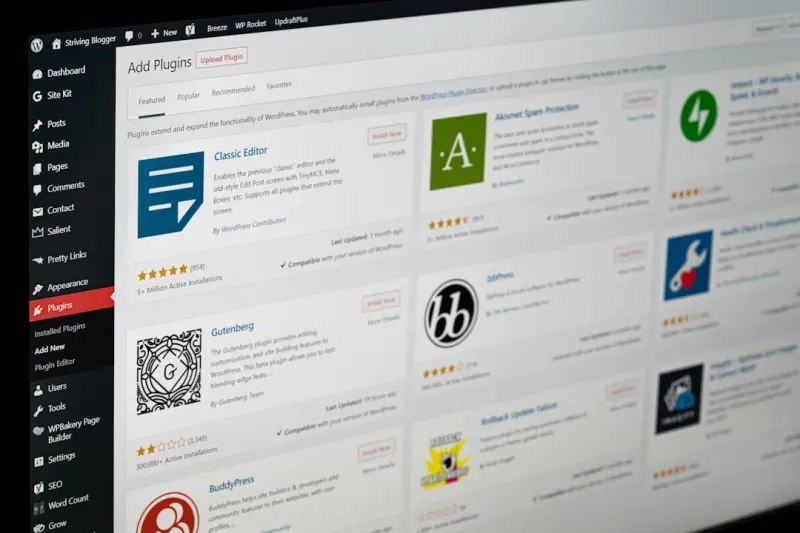
WordPress plugins can significantly enhance your site's SEO capabilities. Some essential plugins to consider include:
* Yoast SEO: A popular plugin for optimizing on-page SEO elements, such as meta tags and keyword density. * All in One SEO Pack: A comprehensive plugin for optimizing SEO elements, including meta tags, keyword density, and social media integration. * WP Rocket: A caching plugin that can improve site speed and performance.
Local SEO in WordPress
If your WordPress site targets a specific geographic region, local SEO is crucial. To optimize your site for local search, focus on:
* Google My Business: Claim and optimize your Google My Business listing to improve local search visibility. * Local citations: Ensure your site is listed in local directories and citations to improve visibility. * Location-specific content: Create content that's relevant to your target geographic region.
Staying Up-to-Date with Google Algorithm Updates
Google's algorithm updates can significantly impact your WordPress site's SEO performance. To stay ahead, it's essential to:
* Monitor algorithm updates: Stay informed about the latest algorithm updates and their impact on your site. * Adjust your strategy: Adjust your SEO strategy to align with the latest algorithm updates. * Stay informed about the evolution of Google algorithms and their impact on SEO.
Measuring and Tracking SEO Success
To measure and track SEO success in WordPress, focus on:
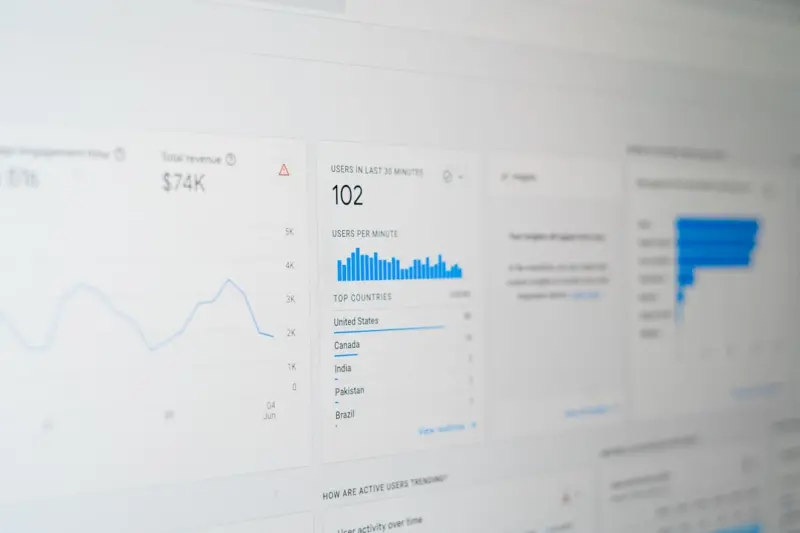
* Google Analytics: Use Google Analytics to track website traffic, engagement, and conversion rates. * Search Console: Use Google Search Console to monitor search engine rankings, impressions, and clicks. * SEO metrics: Track key SEO metrics, such as keyword rankings, backlinks, and content performance.
Conclusion
Optimizing your WordPress site for SEO success requires a comprehensive approach that includes technical SEO, on-page optimization, content creation, and local SEO. By following the strategies and best practices outlined in this article, you can improve your site's search engine rankings, drive more traffic, and increase online visibility. Remember to stay up-to-date with the latest algorithm updates and adjust your strategy accordingly.

Related Posts
Future‑Proofing WordPress SEO for the AI Search Era
Learn practical steps to future‑proof your WordPress site for AI‑centric search, from structured... Read More

Turn Your WordPress Site Into a Voice‑Search Powerhouse
Voice assistants are reshaping how users find information online. This guide shows WordPress owners ... Read More
Future‑Proof Your WordPress SEO with Structured Data, Core Web Vitals, and AI
A step‑by‑step guide shows WordPress owners how to implement schema markup, optimize Core Web Vi... Read More
Top Posts

Mastering On-Page SEO: A Comprehensive Guide to Boosting Your Online Presence
Discover the importance of on-page SEO and learn how to optimize your website for better search engine rankings, improved user experience, and increased convers...Read More

The AI‑Human Collaboration Engine That Supercharges B2B Content Creation
Learn how to replace the outdated content factory with a living engine built on prompt libraries, human‑in‑the‑loop checks, and real‑time performance si...Read More

Decoding Google’s Algorithmic Pulse: A Deep Dive for Modern SEOs
A deep exploration of Google’s evolving algorithmic core, revealing hidden signals, technical tactics, and proactive strategies to keep your SEO ahead of ever...Read More

The Narrative Engine: Turning Content Creation into a Self‑Sustaining Machine
Learn to craft a narrative engine that turns ideas into layered stories, habit loops, and modular templates—creating a self‑sustaining content machine that ...Read More
0 Comments
Post Comment
You will need to Login or Register to comment on this post!