

Why Crawl Budget Matters More Than Ever for Jamstack and Headless CMS Sites
When we first started talking about technical SEO, “page speed” and “mobile‑friendliness” were the buzzwords that stole the spotlight. Those are still vital, but for modern architectures like Jamstack, headless CMS, and large‑scale static site generators, the hidden hero is crawl budget. If you’re not actively managing how search engines allocate their crawling resources to your site, you’re leaving a massive amount of potential traffic on the table.
The Anatomy of Crawl Budget
Google defines crawl budget as the combination of two metrics: the crawl rate limit (how fast Googlebot can request pages without overwhelming your server) and the crawl demand (how many URLs Google thinks are worth indexing). In practice, these two forces intersect to determine how many of your pages get fetched each day.
- Crawl rate limit is influenced by server response times, error rates, and overall site stability.
- Crawl demand hinges on content freshness, internal linking strength, and the perceived value of your pages.
When either side of this equation is out of balance, Googlebot may skip important pages, delay updates, or even de‑index large sections of your site.
Jamstack’s Unique Crawl Challenges
Jamstack sites are built on a foundation of static assets served from CDNs. This architecture excels at delivering lightning‑fast experiences, but it also introduces quirks for crawlers:
- Massive URL inventories: A single product catalog can generate tens of thousands of URLs, each with its own static HTML file.
- Frequent deployments: Continuous integration pipelines push new versions multiple times a day, potentially invalidating older URLs.
- Edge‑caching layers: CDN edge nodes may serve stale content to crawlers if cache‑control headers aren’t precise.
If you let these variables run unchecked, you’ll see a pattern where Googlebot “bounces” between a handful of high‑authority pages while ignoring newer or deeper content. That’s a classic crawl budget waste.
Step‑by‑Step Crawl Budget Optimization for Jamstack
1. Audit Your URL Landscape
Start with a comprehensive crawl report. Tools like Screaming Frog, Sitebulb, or even the Passage Ranking insights can reveal orphaned URLs, duplicate content, and dead‑end pages. Export the data and categorize URLs into:
- Core pages (home, category hubs, high‑traffic landing pages)
- Product or item pages
- Auxiliary pages (filters, pagination, tag archives)
- Deprecated or low‑value pages
Understanding this hierarchy lets you prioritize which URLs deserve the lion’s share of crawl budget.
2. Consolidate Low‑Value Pages
Pagination and filter URLs are notorious budget thieves. Instead of exposing every possible combination, adopt canonical tags and rel="next/prev" where appropriate, or better yet, use parameter handling in Google Search Console to tell Google which query strings to ignore.
For example, a product list filtered by color and size can often be represented by a single canonical URL that includes the most popular filter combination. The rest can be blocked via robots.txt or served with a noindex meta tag.
3. Leverage Structured Data to Signal Value
While crawl budget is fundamentally about resource allocation, providing clear signals of value can tip the demand side in your favor. Rich snippets, FAQ schema, and product schema not only improve SERP appearance but also tell Google that a page is worth indexing.
Our deep dive into rich result techniques showcases how to embed JSON‑LD without bloating your static assets—something especially relevant for Jamstack where every kilobyte counts.
4. Optimize Server Response Times
Even though static assets are served from a CDN, the origin server still matters. If the origin returns a 500 or 503 during a deployment, Googlebot may reduce its crawl rate for hours. To mitigate:
- Implement a staging environment that runs health checks before pushing to production.
- Use blue‑green deployments so the old version remains available while the new one warms up.
- Set
Cache‑Control: max‑ageandETagheaders correctly so edge nodes know when to refresh content.
5. Prioritize Internal Linking
Internal links are the highways that guide Googlebot. In a static site, you control the link graph at build time. Ensure that:
- High‑value pages receive multiple contextual links from related content.
- Deep pages are no more than 3‑4 clicks away from the homepage.
- Breadcrumbs and site navigation reflect the logical hierarchy of your product taxonomy.
Tools like speed and structured data best practices can also help you automate link generation during the build process.
6. Use Crawl‑Delay Sparingly
The Crawl-delay directive in robots.txt is a blunt instrument. Setting it too high can starve your site of fresh crawls; setting it too low can overwhelm your origin during spikes. Instead, rely on Google Search Console’s “Crawl stats” to monitor real‑time impact and adjust only if you notice consistent 429 or 503 responses.
7. Monitor and Iterate
Crawl budget isn’t a “set it and forget it” metric. Establish a weekly or bi‑weekly cadence to review:
- Googlebot’s average response time (Google Search Console > Crawl Stats)
- Index coverage reports for new, updated, and removed pages
- Any spikes in 4xx/5xx errors that coincide with deployments
When you spot anomalies, trace them back to recent code changes, CDN configuration updates, or new content additions.
Beyond Crawl Budget: The Role of Indexation Hygiene
Even with a perfect crawl budget, your site can suffer if you don’t manage what actually gets indexed. Here are three quick wins:
- Robust
robots.txtmanagement: Disallow low‑value parameter URLs, but keep it simple to avoid accidental blocks. - Canonicalization audits: Ensure each page declares a single preferred URL, especially when multiple static files share similar content.
- XML sitemaps with
lastmodtimestamps: Feed Google a clear roadmap of new or updated pages, nudging the crawler toward fresh content.
When combined with crawl budget tactics, these practices create a virtuous cycle—Googlebot sees a well‑structured site, allocates more budget, and indexes higher‑quality pages, which in turn boosts rankings and traffic.
Case Study: Turning a 30,000‑Page E‑Commerce Jamstack Store into a Crawl‑Efficient Powerhouse
One of our SaaS clients recently migrated a 30k‑product catalog from a traditional monolith to a Jamstack setup powered by a headless CMS. Initial post‑migration analytics showed a 45% drop in indexed pages and a 30% dip in organic traffic. Here’s how we reversed the trend:
- URL audit: Identified 8,000 duplicate filter pages. Implemented
noindexon them and added canonical tags pointing to the main category pages. - Structured data rollout: Added Product schema across all product pages, which led to a 12% increase in click‑through rates from rich snippets.
- Internal link reinforcement: Built a dynamic “Related Products” block during the build step, ensuring each product page linked to at least three other relevant items.
- Server health checks: Integrated a pre‑flight health endpoint that pauses deployment if the origin server response time exceeded 200 ms.
Within six weeks, the indexed page count recovered to 98% of the original, crawl rate stabilized, and organic traffic rebounded to pre‑migration levels. The key takeaway? Crawl budget isn’t a one‑time configuration; it’s an ongoing discipline that must evolve with your site’s architecture.
Future‑Proofing Your Technical SEO Strategy
As headless and Jamstack architectures become mainstream, search engines will likely refine how they assess crawl efficiency. Anticipate the next wave by:
- Investing in incremental static regeneration (ISR) so only changed pages are rebuilt, reducing server load during spikes.
- Embedding API‑driven content freshness signals that inform crawlers about updated data without full page reloads.
- Adopting Edge Functions that can serve personalized snippets while preserving a cache‑friendly static core.
By aligning these emerging technologies with solid crawl budget fundamentals, you’ll stay ahead of the SEO curve and protect your organic growth against architectural shifts.
Key Takeaways
- Audit and prioritize your URL inventory to focus crawl budget on high‑value pages.
- Consolidate low‑value pagination and filter pages using canonical tags,
noindex, or parameter handling. - Leverage structured data to signal page importance and improve SERP visibility.
- Maintain optimal server response times, especially during deployments.
- Design a strong internal linking structure that guides crawlers efficiently.
- Continuously monitor crawl stats and index coverage, iterating as needed.
Technical SEO is no longer just about fixing broken redirects or tweaking meta tags; it’s about orchestrating a symphony of architecture, content, and server performance that tells search engines, “These pages are worth your time.” When you master crawl budget for Jamstack and headless CMS environments, you unlock a level of organic growth that static sites were previously unable to achieve.

Related Posts

Crawl Budget Mastery: How SaaS Teams Turn Server Signals into SEO Gold
Learn how SaaS teams can tame crawl budget, prune low‑value URLs, and leverage edge computing to e... Read More

Optimizing for Voice Search: The Future of Technical SEO
Voice search is rapidly growing in popularity, and technical SEOs need to stay ahead of the curve. L... Read More

Why Technical SEO Needs a Human‑Centric Reset
Technical SEO is more than code; it’s about aligning crawl budget, Core Web Vitals, and structured... Read More
Top Posts
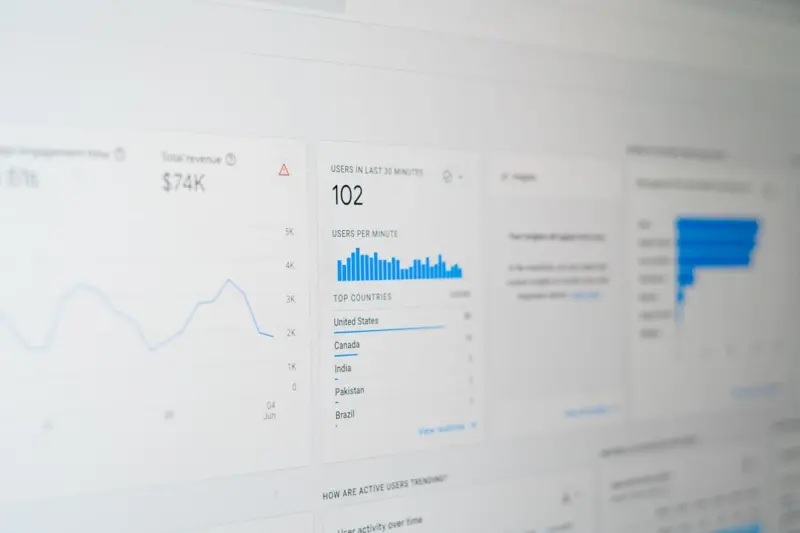
Gutenberg Meets Google: Unleashing WordPress SEO on Steroids
Learn how to transform Gutenberg blocks into powerful SEO assets—covering schema markup, smart internal linking, performance hacks, and data‑driven automati...Read More

Community‑First Social Media Strategy for SaaS Growth
A fresh take on social media strategy that puts community at the core, turning listeners into brand advocates and accelerating SaaS growth....Read More
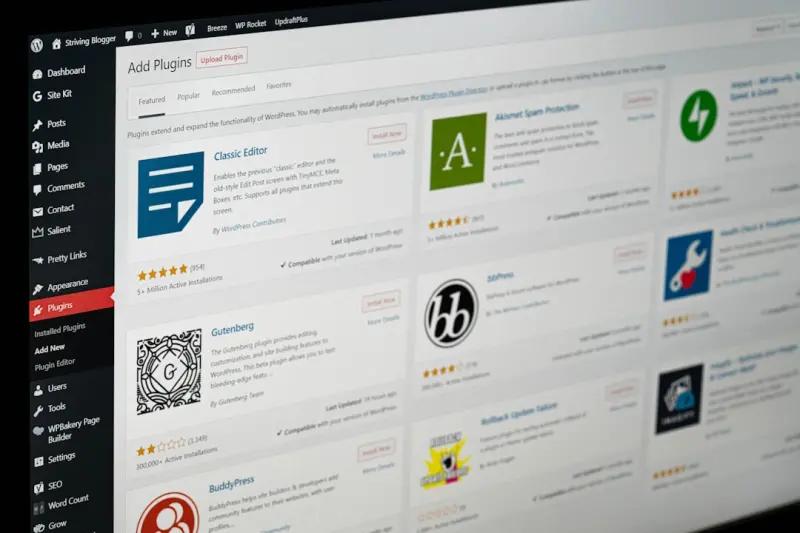
AI‑Driven Content Blocks and Headless WordPress: A Fresh SEO Playbook
Learn a modern, modular approach to WordPress SEO that leverages AI‑generated content blocks, headless deployment, and advanced schema to boost rankings, impr...Read More
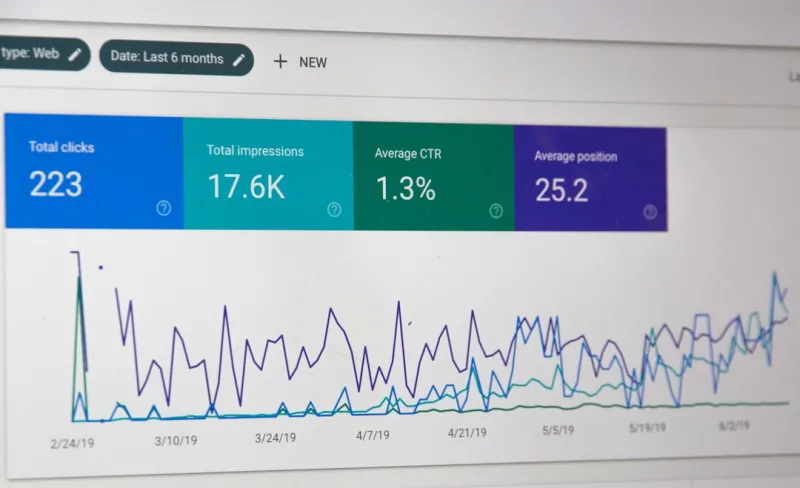
Technical SEO in the Age of AI: Strategies to Stay Ahead
Discover the latest technical SEO strategies for the age of AI. Learn how to optimize for voice search, prioritize accessibility, and improve website performanc...Read More
0 Comments
Post Comment
You will need to Login or Register to comment on this post!