
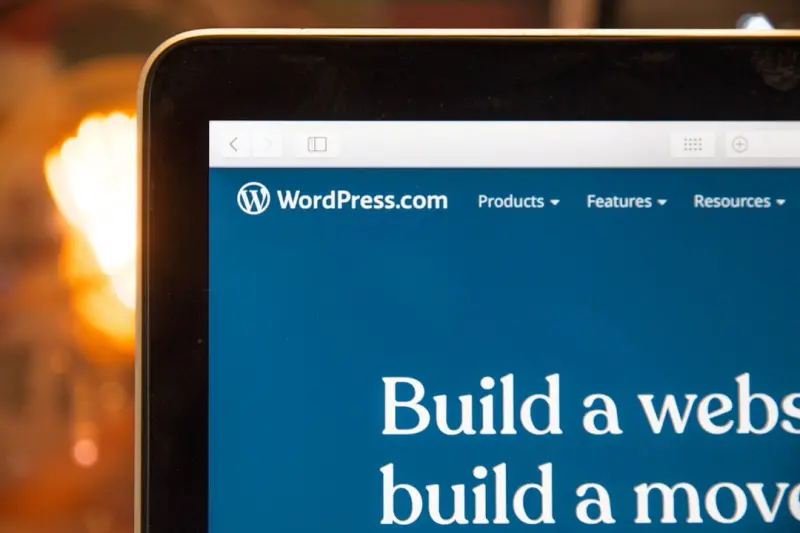
Why WordPress Multisite Is the Secret Sauce for Scalable SEO
When most people think about WordPress SEO, they picture a single‑site blog, a handful of plugins, and a steady stream of content. But as SaaS businesses grow, the need for a scalable, centrally managed architecture becomes crystal clear. That’s where WordPress Multisite steps in—not just as a convenience for managing dozens of domains, but as a powerful engine for organic growth.
From One Site to Many: The SEO Advantage of Multisite
Running separate WordPress installations for each product, region, or brand can feel safe, but it also fragments authority, dilutes link equity, and multiplies maintenance overhead. Multisite lets you:
- Consolidate domain authority. All sub‑sites share the same server resources and, when configured correctly, can benefit from a unified backlink profile.
- Standardize SEO foundations. Core settings—XML sitemaps, schema, robots.txt—are applied across the network, guaranteeing consistency.
- Scale content production. Teams can spin up new sites in minutes, keeping pace with product launches or market expansions without reinventing the SEO wheel each time.
Technical Foundations: Core Web Vitals, Hosting, and the REST API
Google’s ranking signals now heavily weigh page experience. In a multisite environment, the stakes are even higher because a single misconfigured sub‑site can drag down the whole network’s health.
Start with a server‑level solution that guarantees low Time to First Byte (TTFB) and supports HTTP/2 or HTTP/3. Managed WordPress hosts that offer isolated containers per sub‑site give you the best of both worlds: shared infrastructure with individual performance guarantees.
Next, tap into the semantic internal linking potential of the WordPress REST API. By exposing your taxonomy data as JSON, you can build custom navigation widgets that serve context‑aware links—exactly the kind of relevance boost that search engines love.
Content Architecture: Taxonomies, Silos, and the Power of Context
One of the biggest SEO pitfalls in a multisite setup is a chaotic taxonomy structure. If every sub‑site creates its own categories and tags, you end up with duplicate “blog” pages that compete for the same keywords.
Instead, design a global taxonomy map that all sites inherit. Think of it as a master sitemap that feeds into semantic silos—clusters of related content that reinforce each other’s topical authority. When a new product launch site goes live, it automatically slots into the appropriate silo, inheriting internal link juice and contextual relevance.
For even deeper relevance, embed structured data at the taxonomy level. Rich snippets for “Product,” “FAQ,” and “Event” schemas can appear on any sub‑site without additional configuration.
Dynamic SEO with the WordPress REST API
Traditional SEO relies on static pages that are crawled and indexed once. In a fast‑moving SaaS environment, you need content that updates in real time—think pricing tables, feature comparison charts, or live demo schedules.
By exposing these data points via the REST API, you can:
- Render JSON‑LD markup on the fly, keeping schema accurate as prices change.
- Generate canonical URLs that reflect the latest version of a page, preventing duplicate content penalties.
- Power client‑side rendering for non‑critical content while still serving a fully crawlable HTML fallback for bots.
The result is a site that stays fresh in the eyes of Google, without sacrificing performance.
AI‑Powered Content Audits: Keeping the Network Lean
As your multisite network expands, content bloat becomes inevitable. Old product pages, outdated case studies, and orphaned blog posts can dilute authority. The answer? An AI‑driven audit pipeline that runs nightly across the entire network.
Here’s a practical workflow:
- Export all post titles, meta descriptions, and headings via WP‑CLI.
- Feed the data into a large‑language model that scores each piece for relevance, freshness, and search intent alignment.
- Flag low‑scoring items for pruning, merging, or rewriting.
- Automatically generate a content brief for high‑potential pages, complete with target keywords, suggested subheadings, and internal linking recommendations.
Because the audit runs at the network level, you can prioritize pruning across sites, ensuring that the most valuable pages retain the bulk of your backlink equity.
Plugin Stack: The Minimalist Approach That Doesn’t Sacrifice Power
It’s tempting to install a plugin for every SEO need, but each addition adds weight and potential conflicts. In a multisite world, you should adopt a lean, shared plugin strategy:
- Yoast SEO (Network Activated) – Handles basic on‑page SEO, sitemaps, and schema for all sites.
- WP Rocket (Network Activated) – Delivers aggressive caching and image optimization across the board.
- WPGraphQL + WPGraphQL SEO – Extends the REST API with GraphQL, making it easier to query taxonomy and schema data for dynamic rendering.
- Perfmatters (Network Activated) – Allows you to disable unused scripts on a per‑site basis, keeping the front‑end lightweight.
With this curated stack, you avoid the “plugin bloat” trap while still covering every technical SEO requirement.
Measuring Success: KPI Dashboard for Multisite SEO
What gets measured gets managed. Build a unified KPI dashboard that pulls data from Google Search Console, Google Analytics, and your internal log files. Key metrics to track:
- Domain Authority per Sub‑Site. Use Moz or Ahrefs API to monitor how each site contributes to the overall network authority.
- Core Web Vitals. Aggregate LCP, FID, and CLS across sub‑sites to spot performance outliers.
- Content Freshness Index. Ratio of pages updated in the last 30 days versus total pages—a proxy for how well your AI audit is working.
- Internal Link Equity Distribution. Visualize how much link juice flows between silos and identify orphaned pages that need attention.
Regularly review these dashboards in your SEO steering committee meetings to keep the network on an upward trajectory.
Future‑Proofing: Headless WordPress and Edge‑Cashed SEO
The next wave of SEO innovation is already here: headless WordPress paired with edge computing. By decoupling the front end (React, Vue, or Svelte) from the CMS, you gain:
- Instant page loads via CDN edge rendering.
- Fine‑grained control over meta tags and JSON‑LD per request.
- The ability to serve personalized content without sacrificing crawlability—simply serve a static fallback for bots.
For multisite networks, a headless approach means you can roll out a single front‑end framework that pulls data from all sub‑sites, maintaining brand consistency while still benefitting from the SEO authority each site builds.
Action Plan: Getting Started with Multisite SEO Today
Ready to turn your WordPress multisite into a growth engine? Follow these steps:
- Enable Multisite. Use the standard
wp-config.phpand.htaccessdirectives. Choose sub‑domains or sub‑directories based on your branding strategy. - Implement a Global Taxonomy. Create shared categories and tags via a network‑activated plugin or custom code.
- Deploy the Core Plugin Stack. Activate Yoast SEO, WP Rocket, and Perfmatters network‑wide.
- Set Up the REST API Enhancements. Install WPGraphQL and expose your taxonomy data.
- Run an AI Content Audit. Schedule a nightly job that flags stale content for review.
- Launch a KPI Dashboard. Pull data into a tool like Data Studio or Power BI for ongoing monitoring.
- Plan for Headless Migration. Start building a component library that can consume your multisite API.
By treating your multisite as a single, cohesive SEO organism, you’ll unlock ranking power that scales with your business—without the administrative nightmare of juggling dozens of isolated WordPress installs.
Final Thoughts
WordPress SEO isn’t just about tweaking meta tags on a single blog. It’s about architecting a system that amplifies authority, delivers lightning‑fast experiences, and evolves with your product roadmap. Multisite gives you the canvas; the strategies outlined above give you the brushstrokes. Paint a network that not only ranks— but dominates.

Related Posts

WordPress SEO in 2024: Mei Chen’s Human‑Centric Playbook for Ranking Success
Mei Chen shares her proven WordPress SEO playbook for 2024, covering technical basics, smart plugin ... Read More
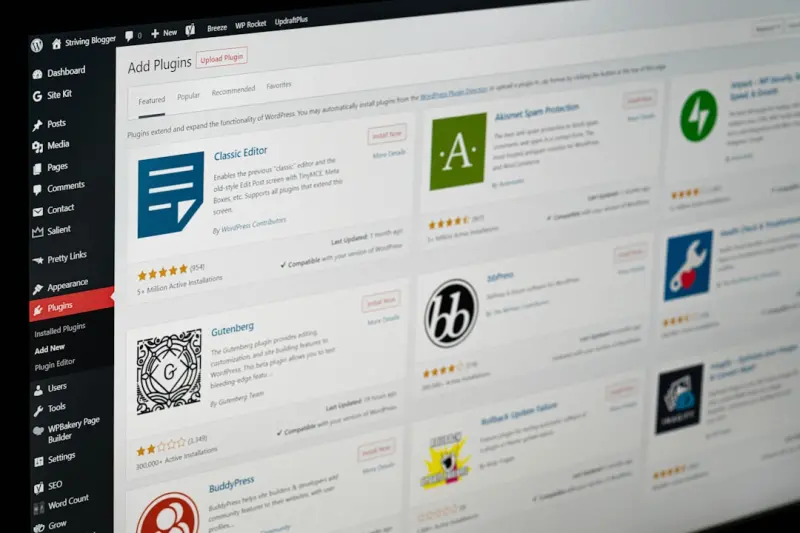
Beyond Plugins: Architecting WordPress for Sustainable SEO Success
Discover a fresh, architecture‑first approach to WordPress SEO that moves beyond plugins. By build... Read More
Why Empathy‑First Tactics Are Redefining WordPress SEO
In this deep dive, I share how empathy‑first tactics can overhaul your WordPress SEO, turning visi... Read More
Top Posts

The Enduring Allure of Collectible Toys: A Collector's Perspective
The world of collectible toys is a vast and diverse one, encompassing everything from vintage dolls and action figures to rare comic books and limited-edition a...Read More

Micro‑Content Mastery: Turning 60‑Second Clips into SaaS Lead Magnets
Learn why bite‑sized video is essential for SaaS marketers, how to craft compelling 60‑second clips, repurpose them across channels, measure ROI, and avoid ...Read More
Micro‑Community Mastery: A New Blueprint for Social Media Strategy
Learn why building niche micro‑communities, leveraging AI‑driven listening, and deploying multimodal content are the keys to a resilient, future‑proof soc...Read More

Mobile SEO Playbook for SaaS – Big Wins from Small Screens
A comprehensive guide for SaaS marketers on mastering mobile SEO, covering voice search, visual search, in‑app browsers, and a practical checklist to turn mob...Read More
0 Comments
Post Comment
You will need to Login or Register to comment on this post!