

Why Semantic HTML Matters More Than Ever
When most people think about on‑page SEO, they picture keyword placement, meta tags, and maybe a dash of structured data. What they often overlook is the foundation that tells search engines what your page actually means: the HTML markup itself. Semantic HTML isn’t a relic of early web standards—it’s a modern, high‑impact lever that can simultaneously lift rankings, boost accessibility, and streamline the user journey.
The SEO Benefits of Meaningful Tags
Search engine crawlers have become remarkably sophisticated, but they still rely on the signals embedded in your markup. When you use tags like <header>, <nav>, <article>, and <section>, you’re giving Google a clear map of your page’s hierarchy. This has three concrete benefits:
- Improved Crawl Efficiency: A well‑structured document reduces the time bots spend guessing the importance of each block, allowing them to focus on content that matters.
- Enhanced Relevance Signals: Semantic tags help Google associate the right context with your keywords, strengthening topical relevance without stuffing.
- Better Feature Eligibility: Rich results, voice answers, and even the new multimodal SERP features often pull from clearly defined sections of a page.
Accessibility and SEO: Two Sides of the Same Coin
Accessibility isn’t just a moral imperative; it’s a direct ranking factor. When you talk to screen readers using proper ARIA roles, alt attributes, and heading order, you’re also handing search engines a cleaner, more digestible version of your content. Here’s a quick checklist:
- Use
<h1>for the main title, followed by a logical<h2>-<h3>outline. - Provide descriptive
alttext for every meaningful image. - Apply ARIA landmarks (
role="main",role="navigation") only when native HTML5 elements aren’t sufficient. - Ensure link text is specific (“Download the SaaS onboarding guide” vs. “Click here”).
By ticking these boxes, you’re not only complying with WCAG standards—you’re also reducing the chance of Google flagging your page for “poor user experience.”
When Interactive Elements Meet Semantic Markup
Accordions, tabs, and lazy‑loaded content are now staples of modern SaaS sites. They improve UX but can also hide valuable content from crawlers if not handled correctly. The secret? Pair every interactive widget with progressive enhancement and semantic fallback. For example:
- Wrap each accordion header in a
<button>element and associate it with a<section>usingaria-controls. - Include the full text of the collapsed section in the HTML (hidden with CSS) so bots can still read it.
- Use
data-schemaattributes or JSON‑LD snippets inside the hidden content to reinforce the structured data signals.
This approach ensures that your interactive UI doesn’t unintentionally become a SEO dead zone.
Micro‑Copy Matters: The Tiny Text That Packs a Punch
Micro‑copy—those brief bits of text that guide users (button labels, error messages, tooltip hints)—is often an afterthought. Yet it can influence on‑page SEO in subtle ways. Search engines parse even the smallest strings to gauge page intent. By embedding keyword‑rich, user‑focused micro‑copy, you reinforce relevance without over‑optimizing larger blocks.
Examples of SEO‑friendly micro‑copy:
- CTA Buttons: “Start your free SaaS trial now” instead of “Get Started.”
- Form Errors: “Please enter a valid corporate email address to continue.”
- Tooltips: “Learn how our API integrates with your CRM in seconds.”
Leveraging Structured Data Without Overkill
While we’re emphasizing pure HTML, structured data best practices still play a role. The key is to let your semantic tags do the heavy lifting and use JSON‑LD as a supportive layer. Think of structured data as a “quick‑look” for crawlers, while the HTML provides the deep dive.
When you combine both, you get:
- Clear content hierarchy from HTML.
- Rich snippet eligibility from schema markup.
- Reduced risk of duplicate content penalties because the same information isn’t repeated in contradictory formats.
Internal Linking: The Silent SEO Engine
On‑page SEO isn’t just about a single page; it’s about how pages talk to each other. Semantic HTML can help you create natural anchor text that feels human. Use <nav> sections with clear, descriptive links that reflect the target page’s intent. Avoid generic “click here” anchors—opt for context‑rich phrases like “explore our API integration guide.”
And remember, the anchor text itself should be wrapped in proper heading or paragraph tags so the surrounding context reinforces the link’s relevance. This small adjustment can improve the flow of link equity throughout your site.
Performance Meets Semantic: Core Web Vitals and Markup
Google’s Core Web Vitals (LCP, FID, CLS) are now core ranking signals. While they’re primarily performance metrics, the way you structure your HTML directly impacts them:
- Reduced DOM size: Over‑nesting elements or using unnecessary
<div>wrappers inflates the DOM, slowing rendering. - Efficient CSS selectors: Semantic tags allow for simpler selectors, decreasing CSS parsing time.
- First‑paint priority: Placing critical content inside
<main>and deferring non‑essential sections (like footers) can improve Largest Contentful Paint.
By cleaning up your markup, you’re simultaneously boosting SEO relevance and site speed—two pillars of modern ranking.
Case Study: Turning a SaaS Landing Page from “Okay” to “Outstanding”
Let’s walk through a real‑world transformation. A mid‑stage SaaS company had a landing page that ranked on the third page of results despite high domain authority. Their issues?
- Heavy reliance on
<div>containers with no semantic meaning. - All headings were
<h3>, breaking the logical hierarchy. - Interactive FAQ accordion was rendered via JavaScript only, leaving the content invisible to crawlers.
- Micro‑copy lacked keyword relevance.
After a comprehensive audit, the team implemented these changes:
- Replaced generic
<div>blocks with<header>,<section>, and<article>tags. - Established a clear
<h1>‑<h2>-<h3>hierarchy that mirrored the page’s information architecture. - Added the full FAQ content in the HTML, hidden via CSS, and used
<button aria-expanded="false">for toggling. - Rewrote micro‑copy to include target phrases like “automated onboarding workflow” and “scalable SaaS analytics.”
- Inserted lightweight JSON‑LD for a
Productschema to complement the HTML.
The result? Within a few weeks, the page jumped to the first page of SERPs, organic traffic increased by 42%, and average dwell time rose by 1.8 seconds—an indicator that users found the content more useful.
Practical Checklist for Semantic On‑Page SEO
Use this cheat‑sheet when you next sit down to audit or build a page:
- Start with
<header>for branding and primary navigation. - Wrap the main content in
<main>and use<article>for self‑contained pieces. - Divide logical sections with
<section>and give each a descriptivearia-labelif needed. - Maintain a single
<h1>per page, followed by a natural heading hierarchy. - Ensure all images have concise, keyword‑rich
altattributes. - Use native HTML5 elements (
<nav>,<footer>,<aside>) before resorting to ARIA roles. - Provide fallback content for any JavaScript‑driven UI component.
- Audit micro‑copy for relevance and clarity.
- Complement, don’t duplicate, with structured data snippets.
- Test page speed and Core Web Vitals after markup changes.
Looking Ahead: The Future of Semantic SEO
Google’s AI models are getting better at interpreting the “meaning” behind a page, not just the words. As they evolve, the importance of clear, semantic markup will only increase. Think of semantic HTML as the language you teach search engines to understand your content’s intent—much like teaching a child to read with proper punctuation before diving into complex literature.
In the coming years, we’ll likely see:
- Deeper integration of schema within native HTML tags (e.g.,
<article itemscope itemtype="...">). - Enhanced voice‑search snippets drawn directly from well‑structured sections.
- More accurate “topic clustering” algorithms that rely on heading hierarchies.
Preparing now by cleaning up your markup ensures you’ll be ready for those advancements without a massive overhaul.
Wrap‑Up: Take Action Today
Semantic HTML and accessibility are not optional “nice‑to‑have” features—they’re foundational pillars of a robust on‑page SEO strategy. By aligning your markup with both user needs and crawler expectations, you create a win‑win scenario: happier visitors, higher rankings, and future‑proofed content.
If you’re ready to dive deeper, explore our conversational on‑page SEO insights for additional tactics on blending natural language with structured markup. The next time you build or audit a page, remember: every <section>, <header>, and alt attribute is an opportunity to speak directly to both users and search engines.
Start today. Open your favorite page in a browser’s inspector, look for the generic <div> soup, and replace it with meaningful tags. Your rankings, users, and accessibility scores will thank you.

Related Posts
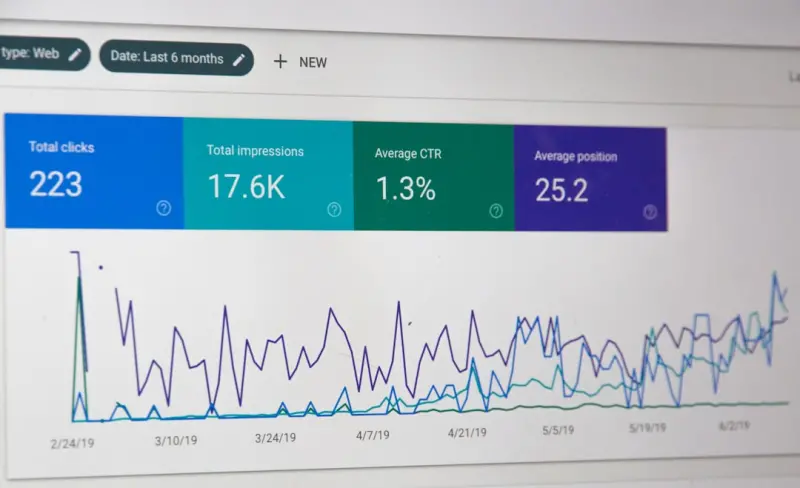
Unlocking SERP Real Estate: How Structured Data Supercharges On‑Page SEO for SaaS
Structured data is the missing link between your SaaS content and rich Google SERP features. This gu... Read More
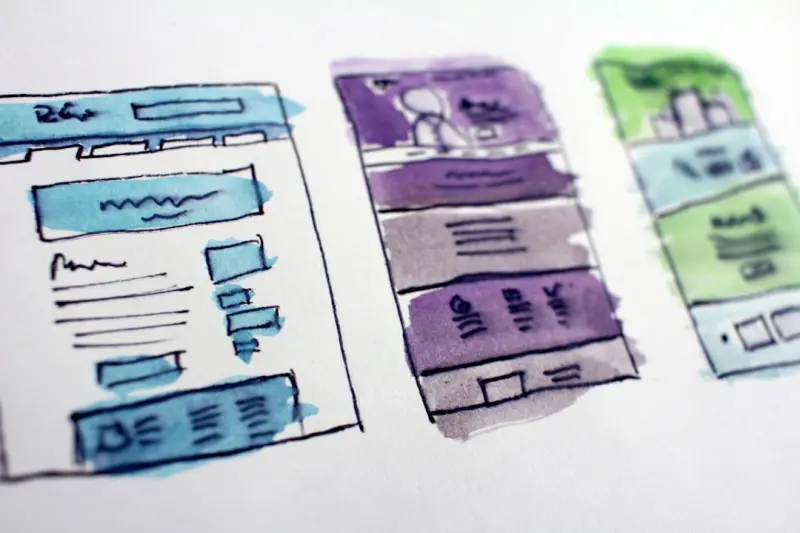
Semantic Site Architecture: How Structured HTML Elevates On‑Page SEO
Semantic HTML isn’t just for developers—its clear structure, accessibility benefits, and impact ... Read More

Scaling On‑Page SEO for Multi‑Language SaaS Sites Without Losing Authority
A step‑by‑step guide for SaaS marketers on expanding on‑page SEO into new languages, covering ... Read More
Top Posts

Embracing the Evolution of SEO: Strategies to Stay Ahead of the Curve
Stay ahead of the competition with the latest SEO trends and strategies. Learn how to adapt to the evolution of SEO and drive more conversions with these expert...Read More

Turning Social Audio Into a High‑ROI Advertising Channel for SaaS
Social audio is emerging as a powerful advertising frontier for SaaS. This guide explains why, how to craft compelling audio ads, target the right listeners, me...Read More

LinkedIn Content SEO: The Enterprise Playbook
This article reveals how to treat LinkedIn like a secondary search engine, covering keyword mapping, micro‑moment timing, employee advocacy, and measurable KP...Read More

Community‑First Content Ecosystems: Turning Customers into Co‑Creators
Explore a fresh content strategy where customers become co‑creators, leveraging AI, modular design, and community platforms to drive deeper engagement and mea...Read More
0 Comments
Post Comment
You will need to Login or Register to comment on this post!